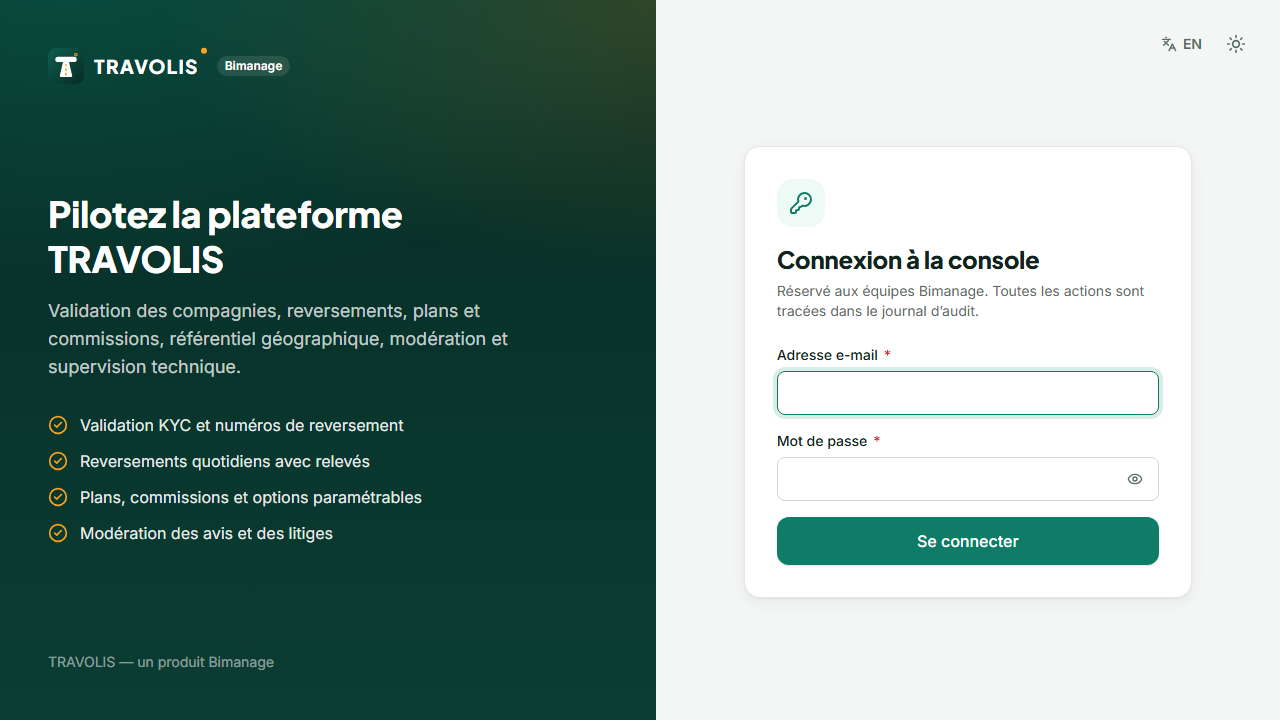
The /admin console is reserved for the Bimanage team (super-administrator and support roles). It is never indexed by search engines and every sensitive action is written to the audit log.
Sign in
- Open /admin/connexion.
- Enter your email and password.
- On first sign-in, if you were given a temporary password, you must change it immediately.
- Two-factor authentication:
- if it is not enabled yet, scan the QR code with an authenticator app (Google Authenticator, Microsoft Authenticator, 2FAS…), enter the 6-digit code, then keep the 8 recovery codes;
- if it is already enabled, enter the code shown by your app (or a recovery code).
Important — Recovery codes are shown only once. Store them in a password manager.
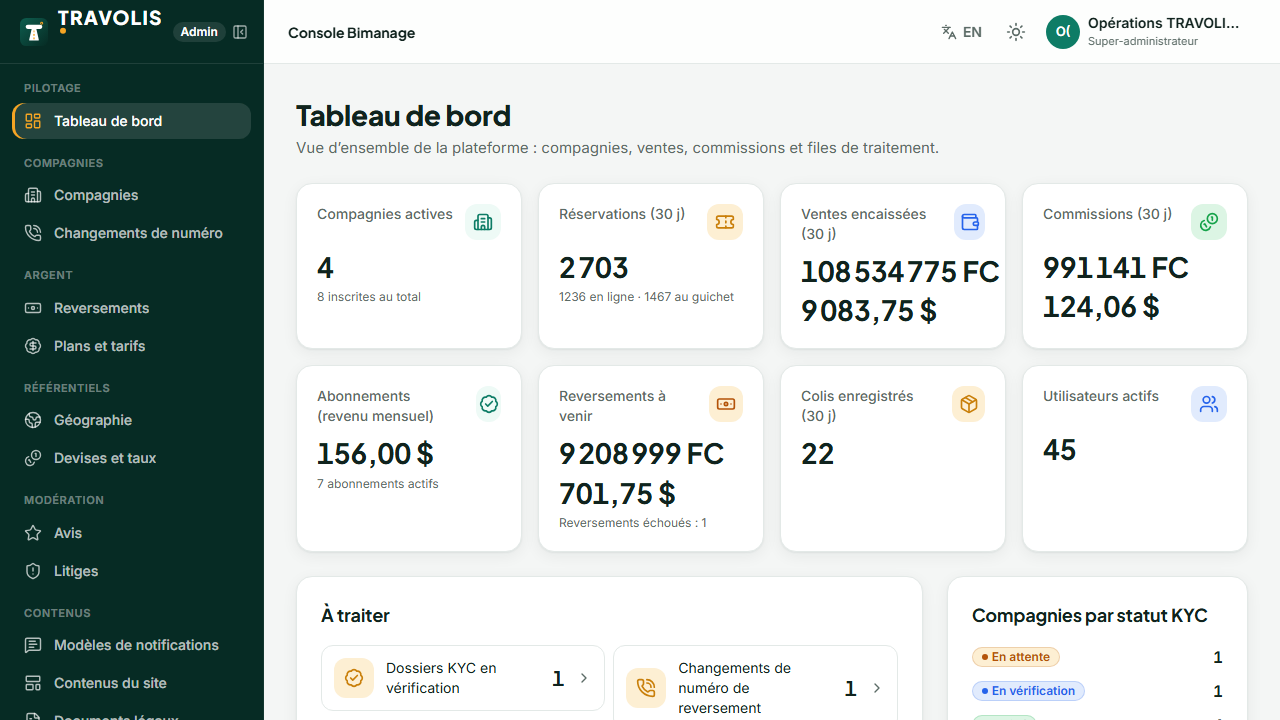
The dashboard
The dashboard shows for the chosen period:
- sales volume (online and counter tickets) and parcels;
- active companies, those awaiting verification or suspended;
- platform revenue: subscriptions, commissions, parcel fees;
- payouts made, scheduled and failed;
- items to handle: KYC reviews, number change requests, open disputes, flagged reviews.
Navigation
| Section | Use |
|---|---|
| Companies | Verification, suspension, plan, commission, payouts, featuring |
| Payout requests | Mobile money number changes |
| Payouts | Run, retry, hold, statements |
| Plans | Prices, commissions, limits, features |
| Settings | All platform values, no redeploy |
| Geography, Currencies | Countries, provinces, cities, exchange rates |
| Reviews, Disputes | Moderation and arbitration |
| Templates, Content, Legal | Messages, site texts, legal documents |
| Users, Leads | Accounts and demo requests |
| Audit, System | Audit trail, health, queues, SMS / email logs, webhooks |