Verify a company
- Open Companies and filter by Under review.
- Open the company: the Verification tab shows the documents (RCCM, national ID number, transport licence, manager's ID) in a viewer, with numbers and expiry dates.
- For each document: Approve or Reject with a note.
- Decide:
- Approve: the company becomes visible, gets the “Verified company” badge and its payout number is locked;
- Reject with a clear reason, shown to the company so it can fix it;
- Mark under review to signal you are handling the file.
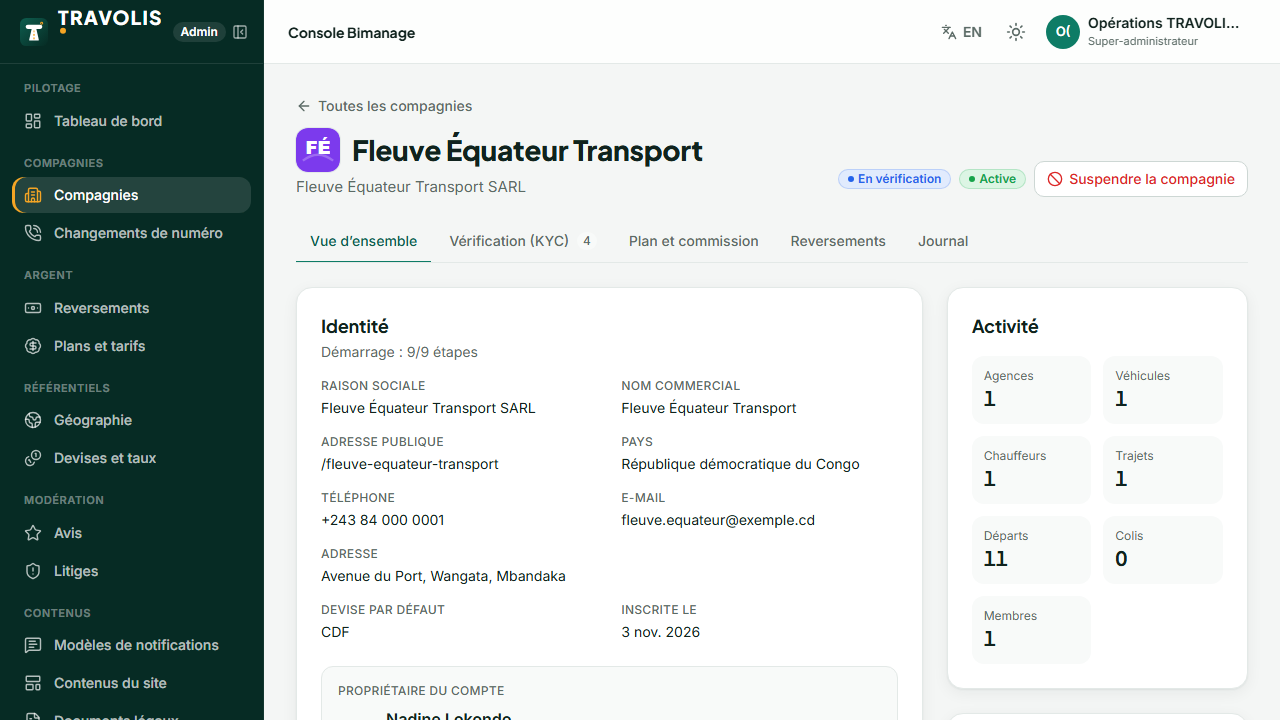
Other company actions
- Suspend (reason required) / Reactivate;
- Plan: change the plan and billing cycle;
- Commission: negotiated rate replacing the plan's;
- Payouts: company-specific time, frequency, delay and mobile money fee handling;
- Featuring: the company appears at the top of searches until the chosen date.
Number change requests
Payout requests lists requests with the old and new number, the justification and attachments.
- Check the documents (and call the company if needed).
- Approve: a confirmation code is sent to the new number; the company enters it to finalise. Resend code if needed.
- Or Reject with a reason.
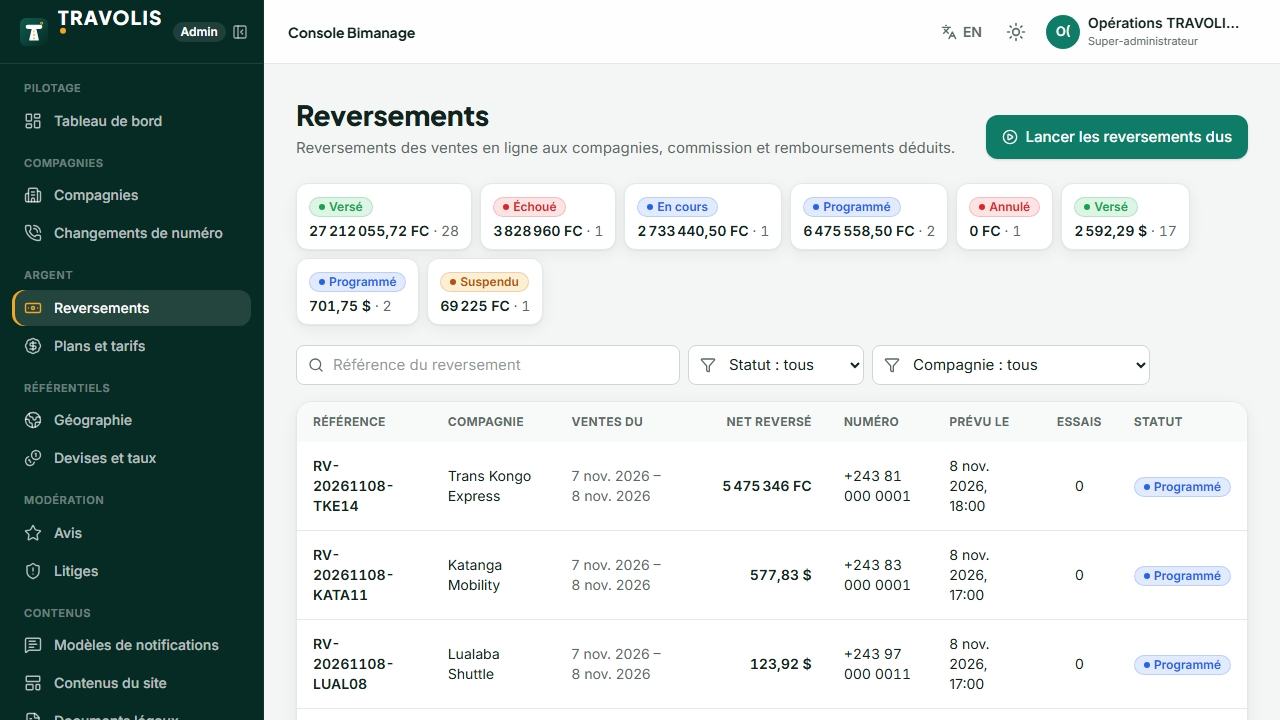
Run payouts
Payouts shows every payout: company, period, sales, gross, commission, refunds, fees, net, status.
- Run payouts executes the round immediately (normally automatic at the scheduled time, 6 pm by default).
- A failed payout is retried automatically; Retry forces a new attempt.
- Hold (with a reason) blocks a payout, Release puts it back in the queue.
- Mark as paid for a payment made outside the platform (reference required).
- The PDF statement details each sale.