The Parcel agent / storekeeper role covers the full cycle: registration, loading, receiving and handover. The Parcels list filters by incoming (to your agency) and outgoing (from your agency), by status, date and payment.
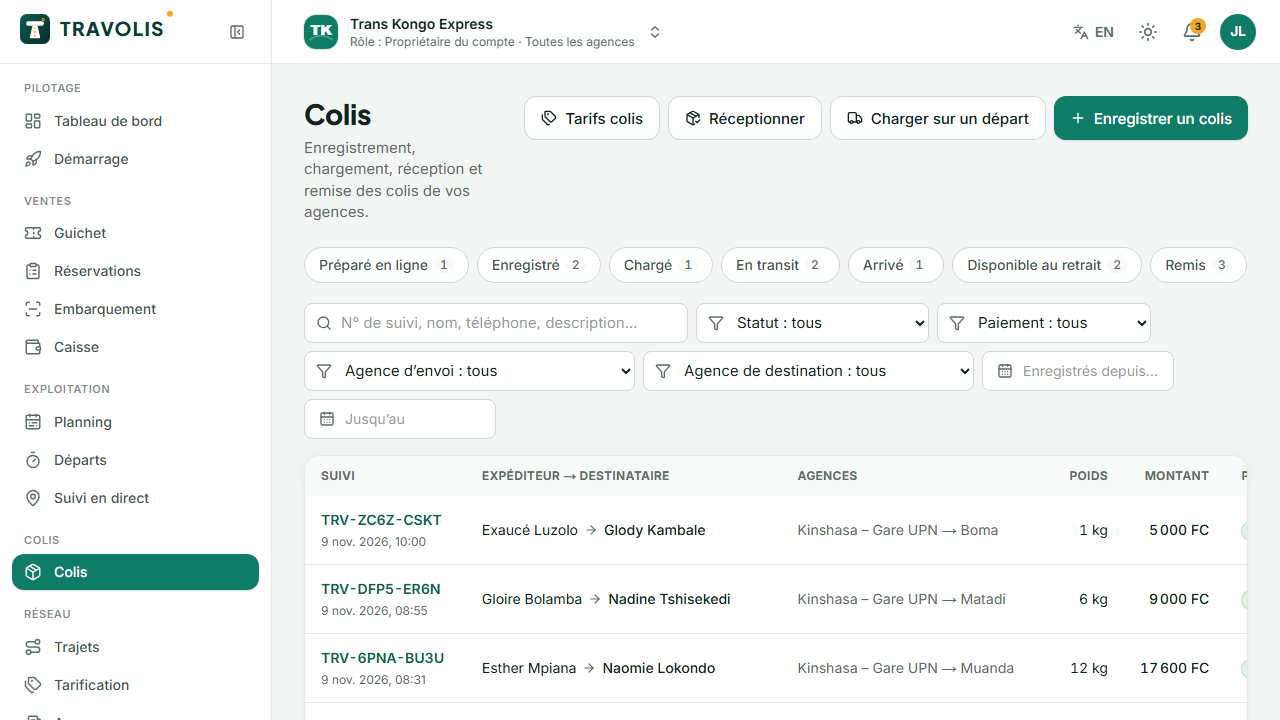
Register a parcel
- Tap New parcel (/espace/colis/nouveau). For a parcel prepared online, search its number first: its details are reused.
- Sender and recipient: name, phone, optional email.
- Destination: arrival agency and, if already known, the departure.
- Parcel: description, type, number of pieces, weight, dimensions, declared value, photos.
- The quote is computed from the company's tariffs (insurance included if a value is declared).
- Payment: paid now (cash, mobile money, terminal) or pay on pickup.
- Confirm: the tracking number is created, the sender gets an SMS and the label with QR code opens for printing.
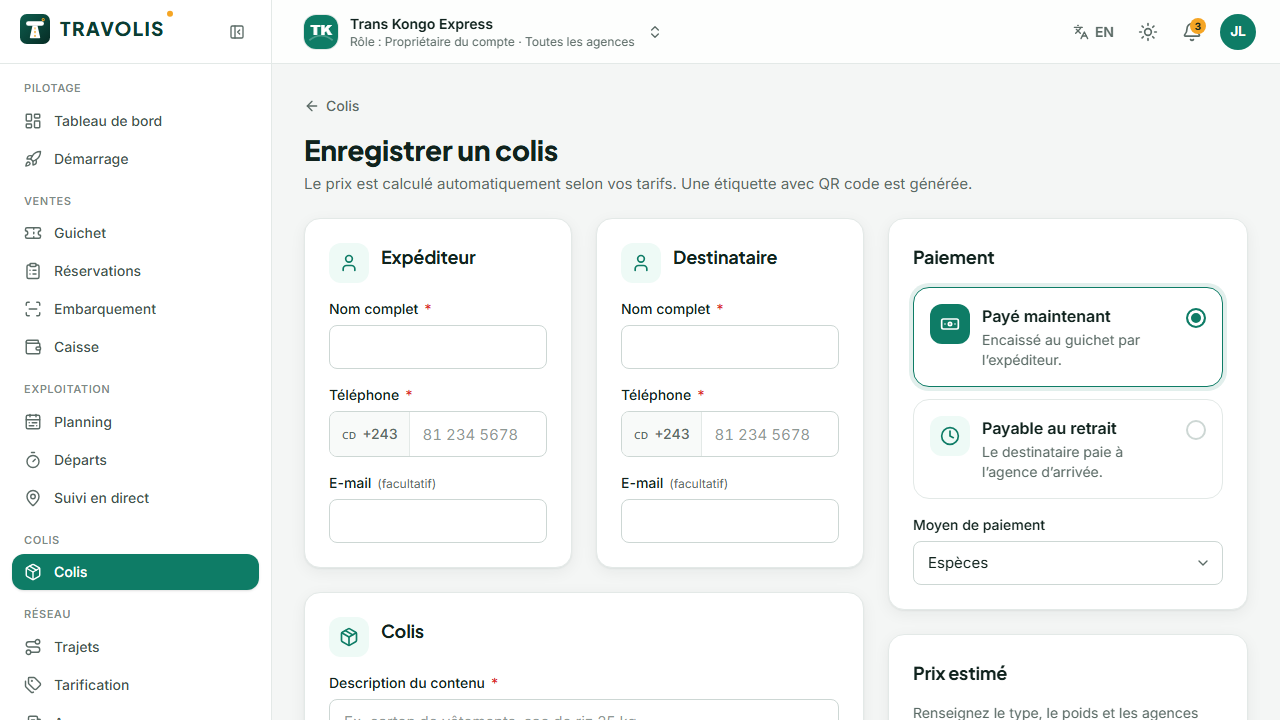
Load onto a departure
- Open Loading.
- Choose the departure serving the destination agency.
- Scan each parcel's label (or type the number). Each loaded parcel moves to Loaded.
- When the vehicle leaves, parcels move to In transit and the recipient receives their pickup code.
Receive on arrival
- Open Receiving.
- Scan the unloaded parcels. Keep Make ready for pickup ticked: the recipient is notified by SMS.
Hand over a parcel
- Open the parcel record (scan or search).
- Tap Hand over.
- Enter the 6-digit pickup code given by the recipient, the name of the person collecting and the ID number if the company requires it.
- Have them sign on the screen or take a photo of the handover.
- Collect any remaining amount (pay on pickup, storage fees beyond the free days).
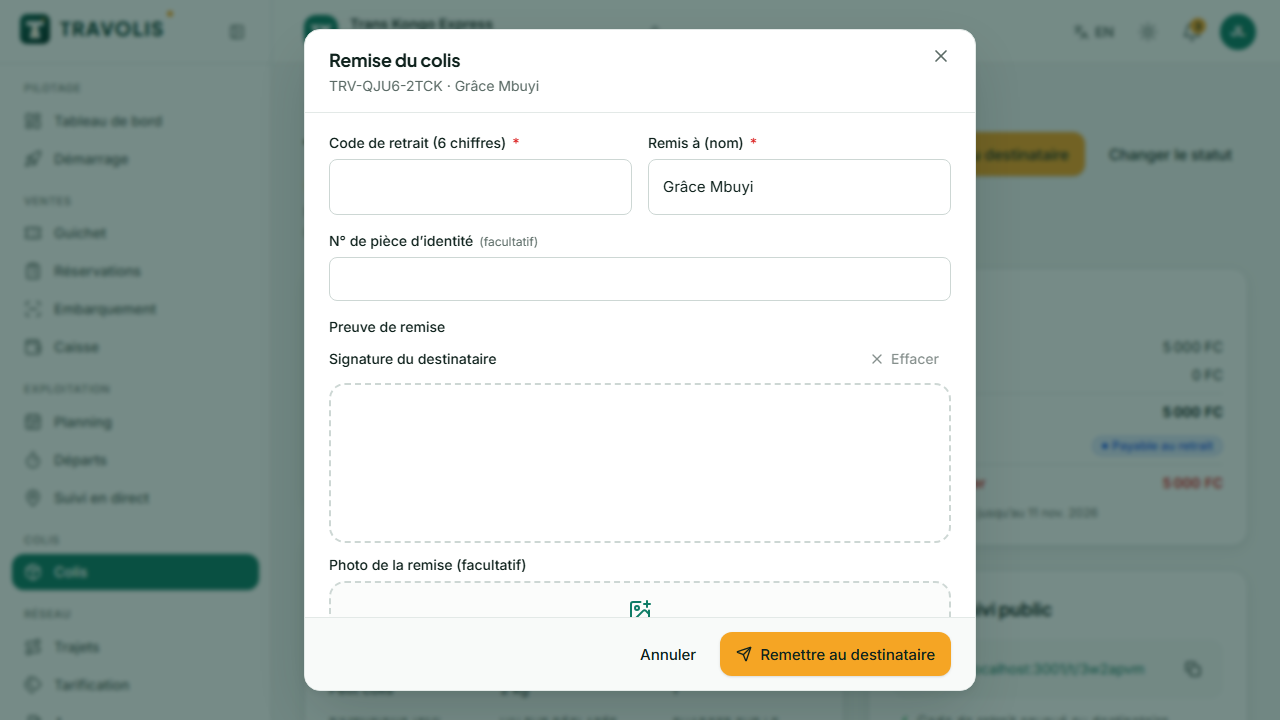
Recipient lost their code? Tap Resend code: a new SMS is sent. After several wrong codes, handover is blocked for security.
Returns and disputes
From the record, Change status lets you declare a parcel returned to the sender, disputed (damage, contested content) or cancelled, with a required note. Disputes opened by customers are handled in Disputes.