Open the cash desk
- Open Cash desk.
- Choose your agency.
- Enter the opening float per currency (e.g. 50,000 FC and $20).
- Tap Open cash desk.
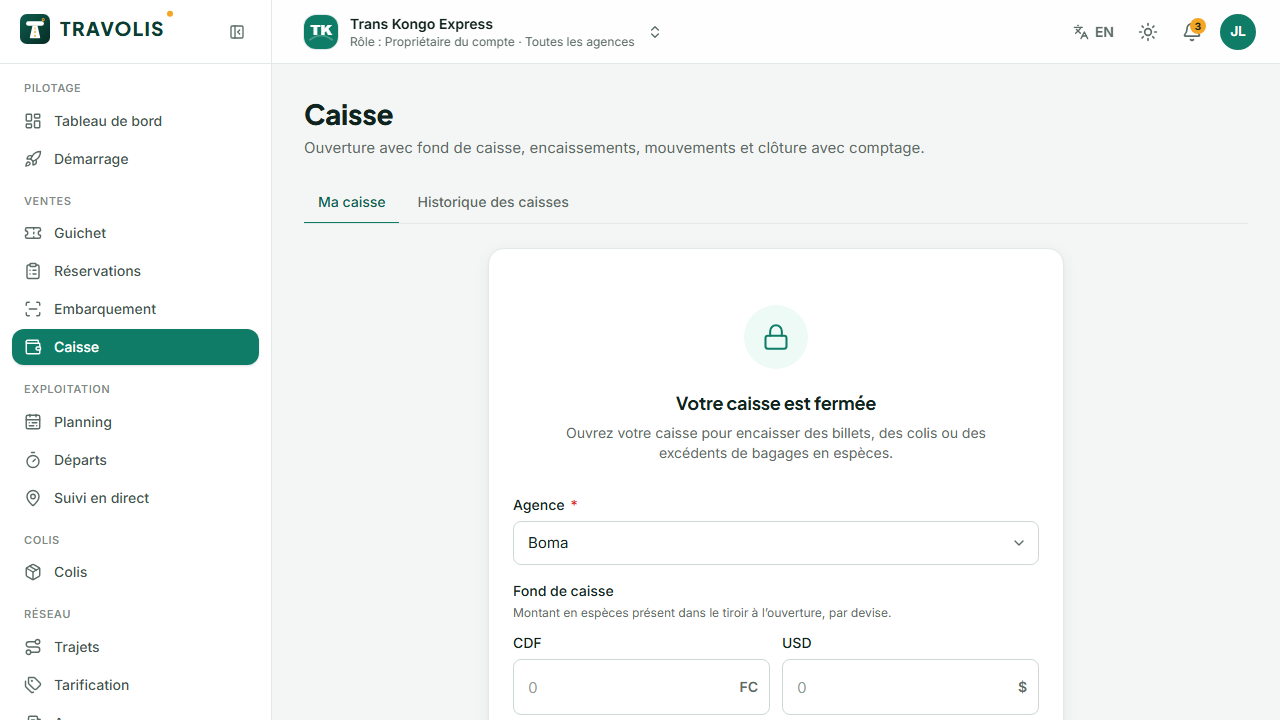
All your cash sales, parcels, baggage excess and cash refunds are added to your cash desk automatically.
Deposits and withdrawals
Tap Movement to record a deposit (money added), a withdrawal (handed to the manager, expense paid) or an adjustment, with the amount, currency and a required reason.
Close the cash desk
- At the end of your shift, tap Close.
- Count the money and enter the counted amount per currency.
- The screen shows the expected amount and the difference. Add a note if the difference is not zero.
- Confirm. The manager then approves the session.
Offline mode
The counter keeps working during an internet outage.
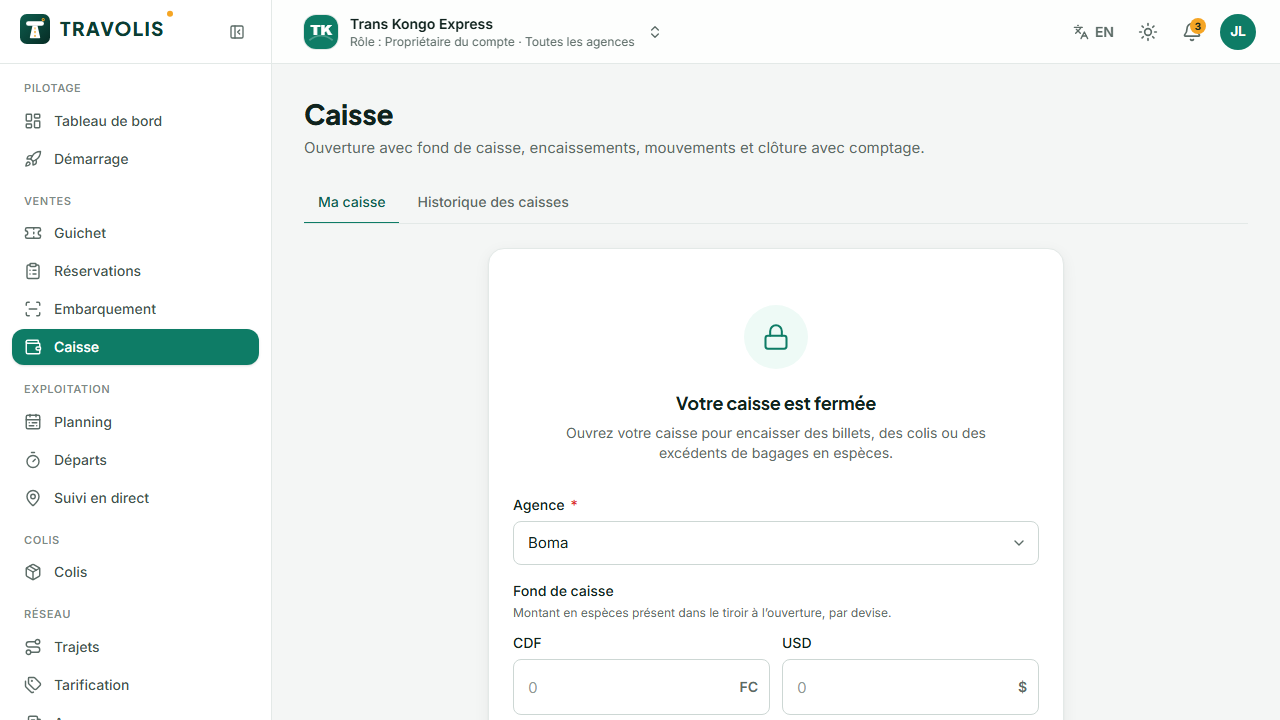
- Before the outage, while the network is up, the counter automatically downloads the offline package: departures for the next 48 hours, seat maps, fares, existing tickets. The time of the last preparation is shown.
- During the outage, an orange banner says Offline. You sell as usual, but only on counter-quota seats (reserved in advance for the counter) to avoid any double sale with online sales.
- Sales and check-ins are saved on the device. The printed ticket says it was issued offline.
- When the network returns, syncing is automatic: each operation is sent and confirmed. The “pending operations” counter goes back to zero. A rejected operation (seat already taken) is flagged so you can contact the traveller.
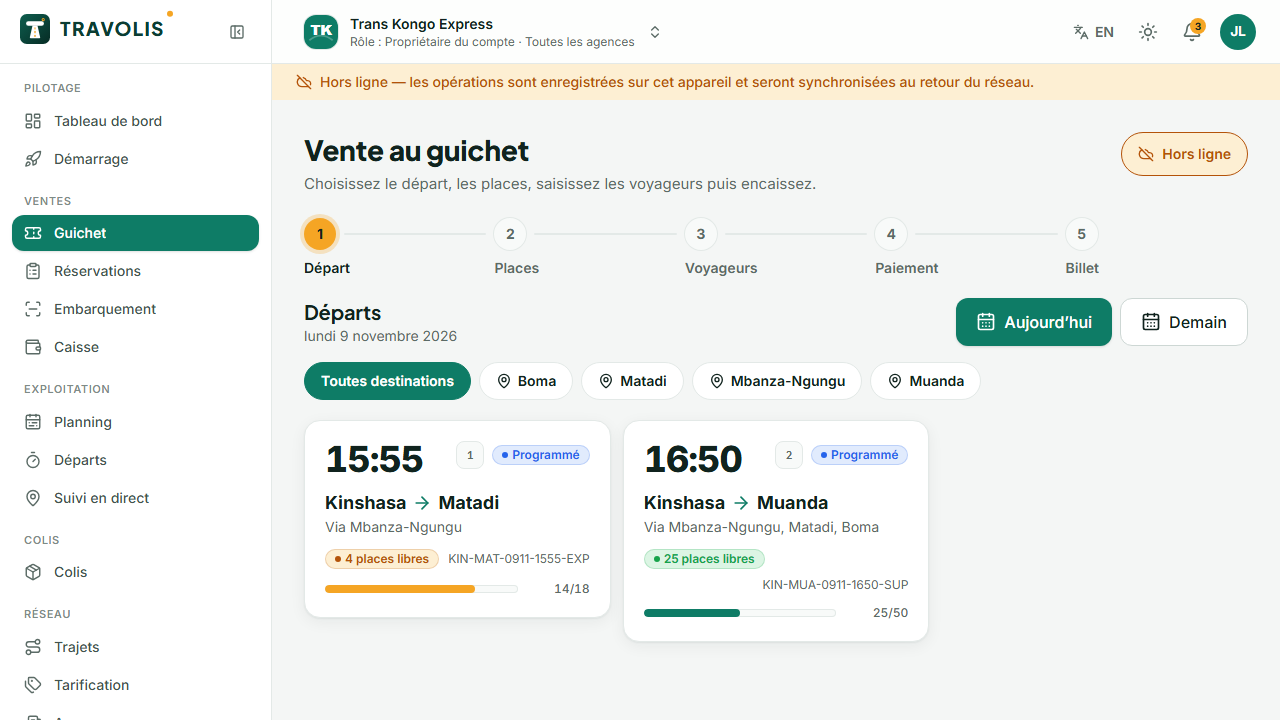
Important — Do not clear the browser data during an outage: unsynced sales would be lost.