Invite a team member
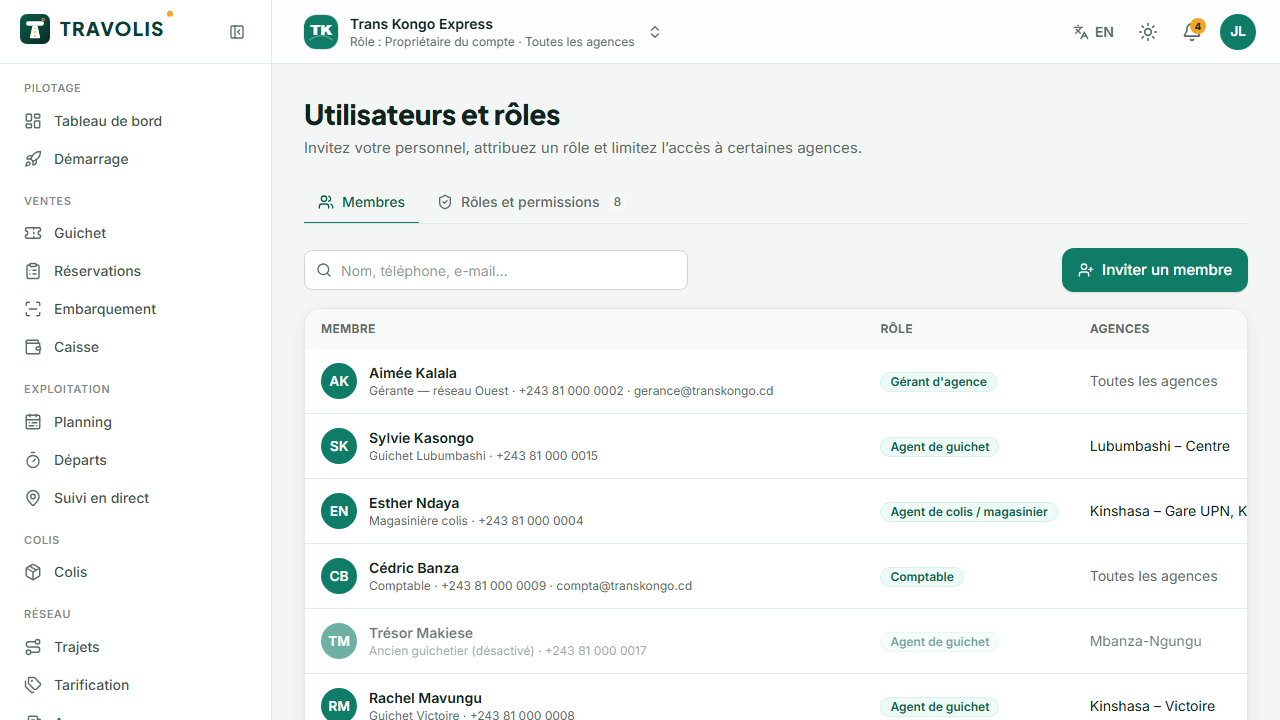
- Open Users and roles, Members tab, then Invite.
- Enter the person's name and phone (or email).
- Choose their role and, if needed, the agencies they are limited to.
- For temporary access (trainee, holiday reinforcement), set an access end date.
The person receives an SMS and signs in with their number. The same person can belong to several companies and switch from the selector at the top of the space.
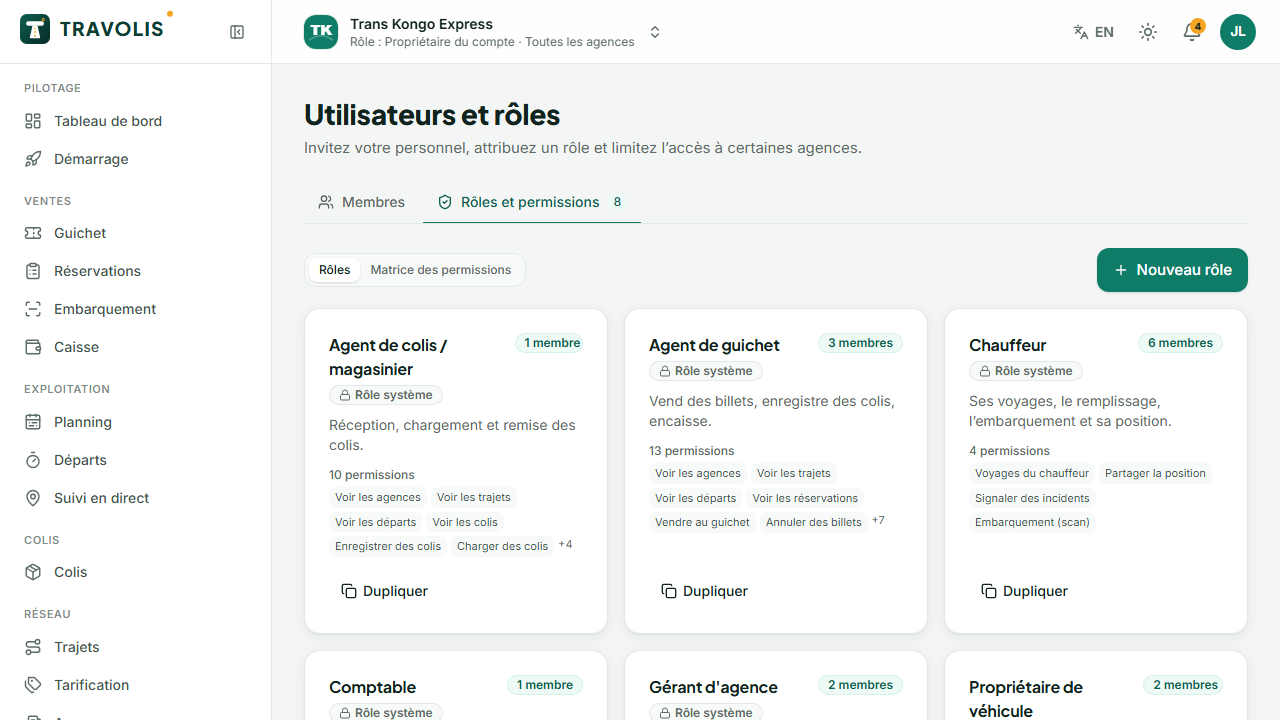
Roles
Built-in roles cover common jobs: owner, agency manager, counter agent, parcel agent, accountant, driver, vehicle owner. In the Roles tab, create your own roles with the permissions matrix grouped by area (agencies, fleet, routes, departures, sales, parcels, cash, finance…). The interface adapts: everyone only sees the menus their role allows.
Subscription and invoices
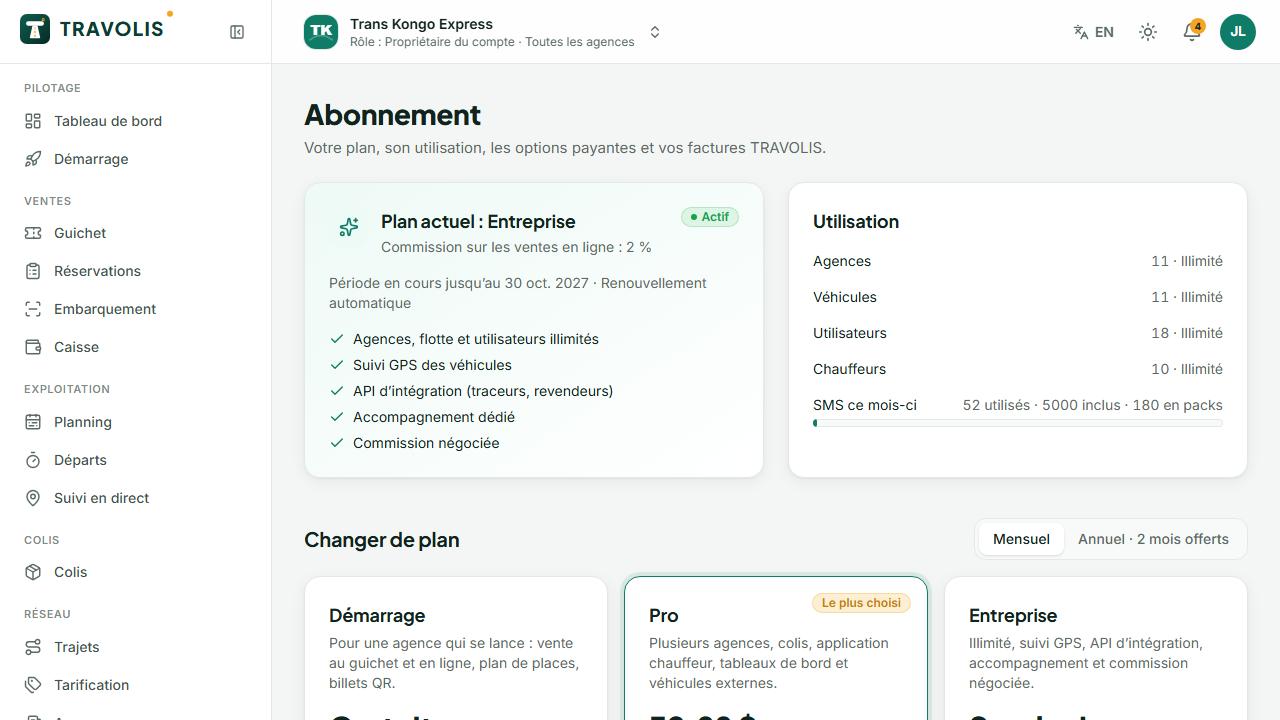
Subscription shows your plan, online commission, limits and usage, and the renewal date.
- Change plan: choose the plan and the billing cycle (monthly or yearly).
- Add-ons: SMS packs, GPS tracking per vehicle, featured listing in search.
- Invoices: download the PDF and pay an invoice by mobile money or card.
Company settings
- Branding: logo, cover photo, colour, French and English description for the public page;
- Contact details: phone, WhatsApp, email, website;
- Cancellation policy: tiers “at least N hours before departure → X% retained”, late retention, date changes allowed, fee and cut-off;
- Parcels: free storage days and storage fee per day, ID required at pickup;
- Counter: default counter quota, accepted payment methods (mobile money, card terminal), printed ticket footer;
- company-specific terms, time zone, USD → CDF rate.