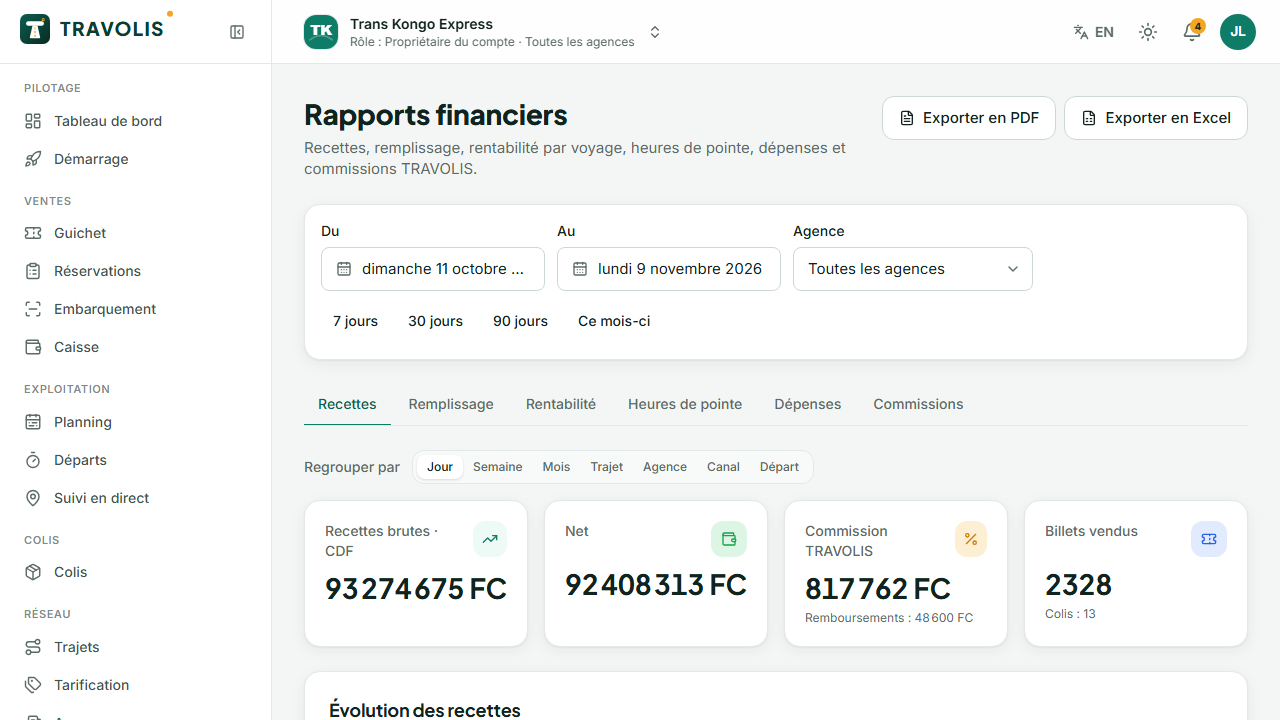
Reports
Reports offers, for the chosen period and per agency:
- Revenue by day, route, agency, channel (online, counter) or departure;
- Profitability per trip: revenue minus expenses (fuel, driver, tolls, owner dues);
- Load factor and peak hours;
- Expenses by category;
- TRAVOLIS commissions on online sales.
Every report exports to PDF or Excel.
Expenses
Expenses: record an expense with its category, amount, date, related vehicle or departure and receipt. Tick Paid from the cash desk to deduct it from the open cash session.
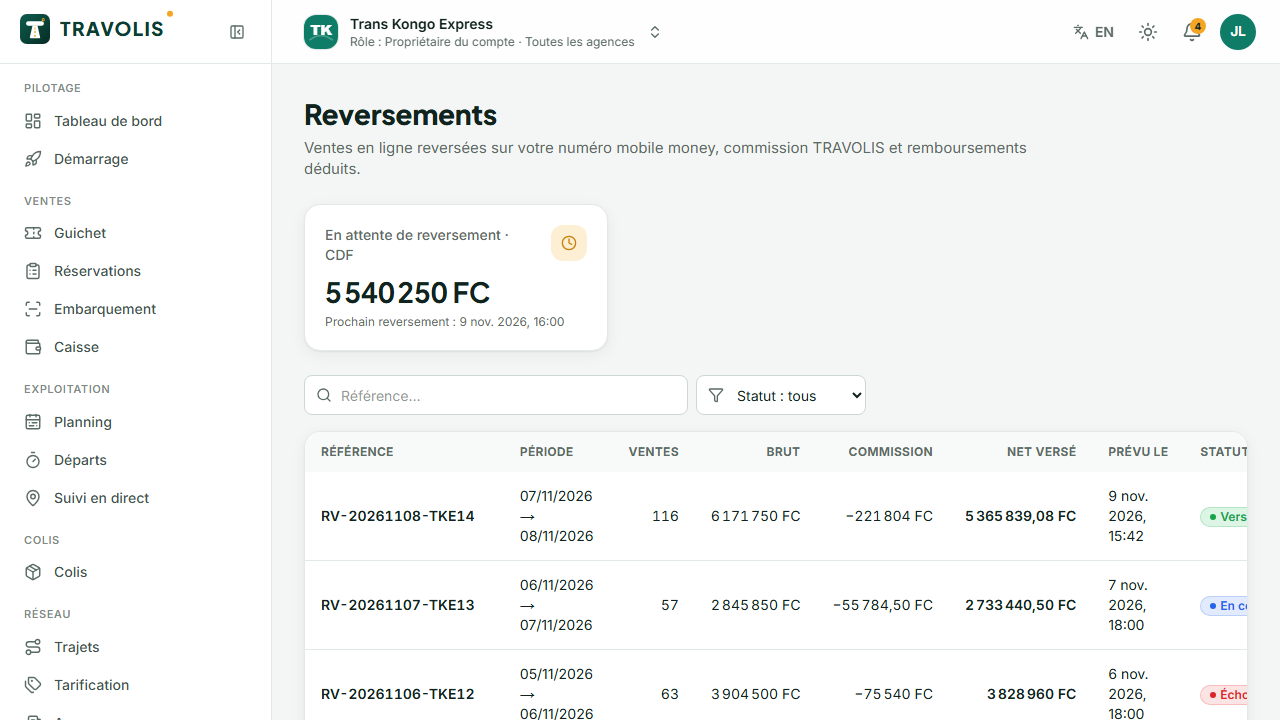
Payouts
Payouts lists transfers of online sales to your mobile money number: period covered, number of sales, gross amount, commission, refunds deducted, fees, net amount and status. The PDF statement details each sale.
Reviews
Reviews: read travellers' reviews (overall rating, punctuality, comfort, driver) and reply publicly. Report an abusive review to TRAVOLIS.
Disputes
Disputes: complaints (lost or damaged parcel, booking, payment) arrive here. Open a dispute to read the thread, reply to the customer and follow the decision.
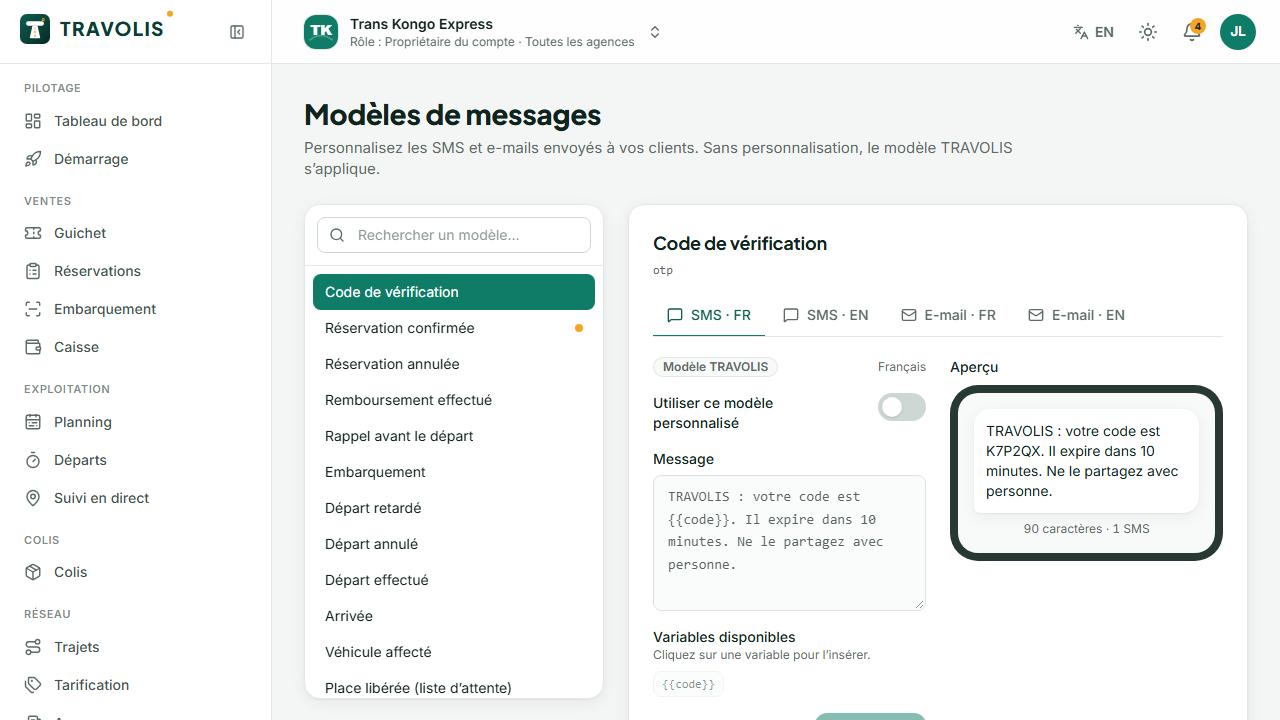
Message templates
Message templates: customise the SMS and emails sent on your behalf (confirmation, reminder, delay, parcel…). Variables such as {{name}}, {{route}} or {{code}} are replaced when sending; the preview shows the result and the number of SMS segments.