The Counter screen is built for speed: big buttons, little typing, and the same live seat map as online sales. A seat you pick is held for you during the sale: it cannot be sold twice.
Important — Open your cash desk before the first cash sale (see Cash desk and offline mode).
Sell in 5 steps
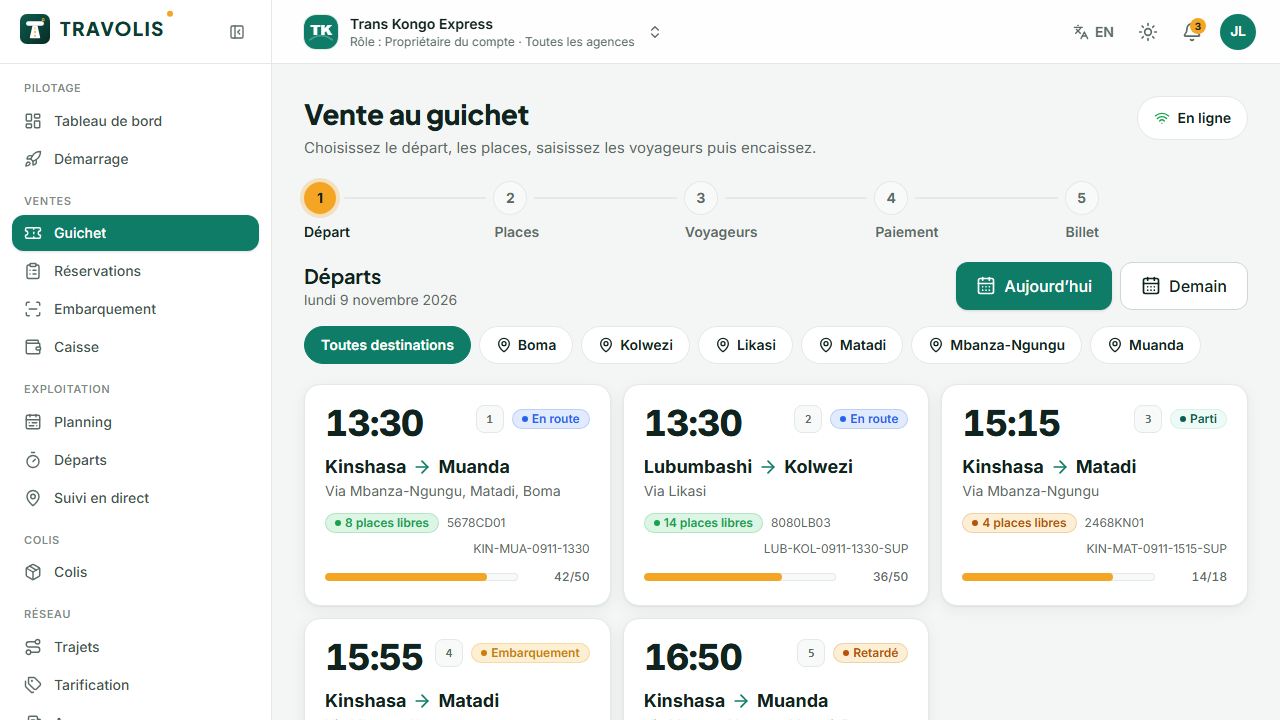
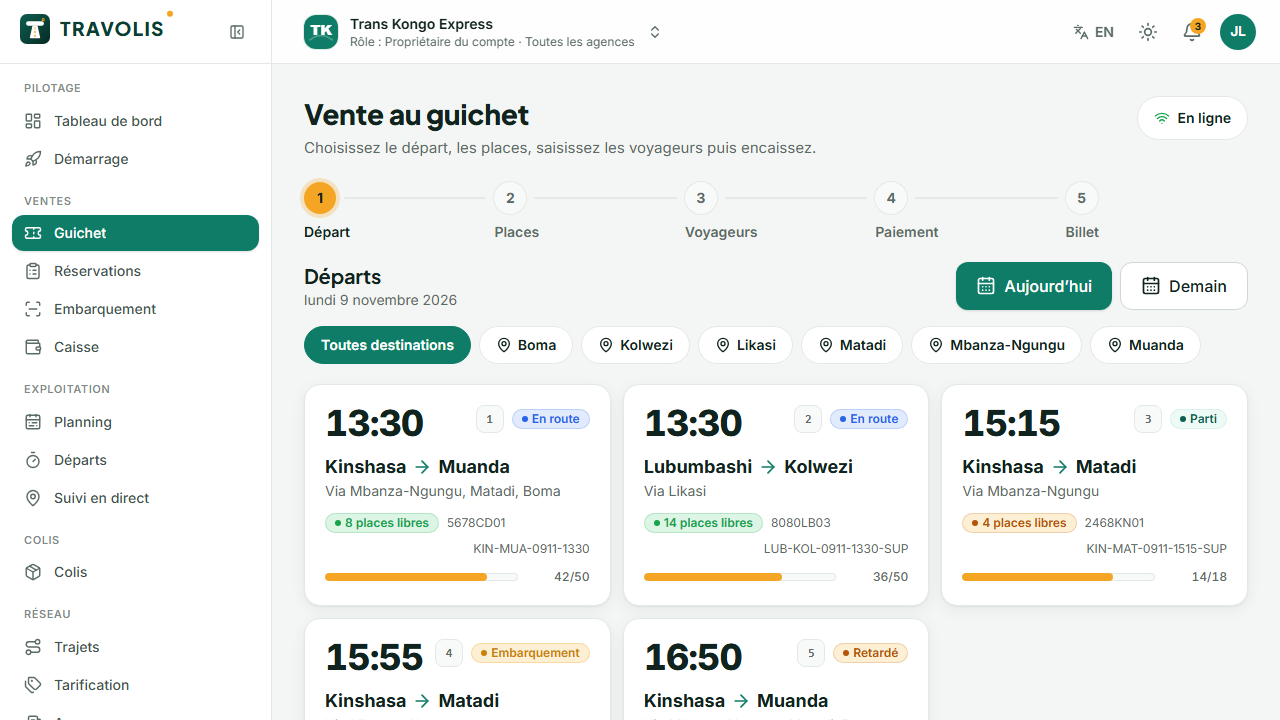
Open Counter.
- Departure: tap one of today's departures (time, route, seats left). If the traveller only rides part of the route, choose their boarding and alighting stops.
- Seats: tap the seats on the map. They turn amber and are held. Hatched seats are counter-only: you can sell them.
- Passengers: each passenger's name and phone, category (adult, child…). The first number is the contact.
- Payment: Cash, Mobile money (the traveller confirms on their phone), Card terminal or Credit (enter the code). The total is shown large; for cash, enter the amount received and the screen calculates the change.
- Ticket: the thermal ticket opens in a new tab, ready to print. Tap New sale to continue.
Tip — The e-ticket is also sent by SMS to the traveller: they can travel without the paper ticket.
Find a booking
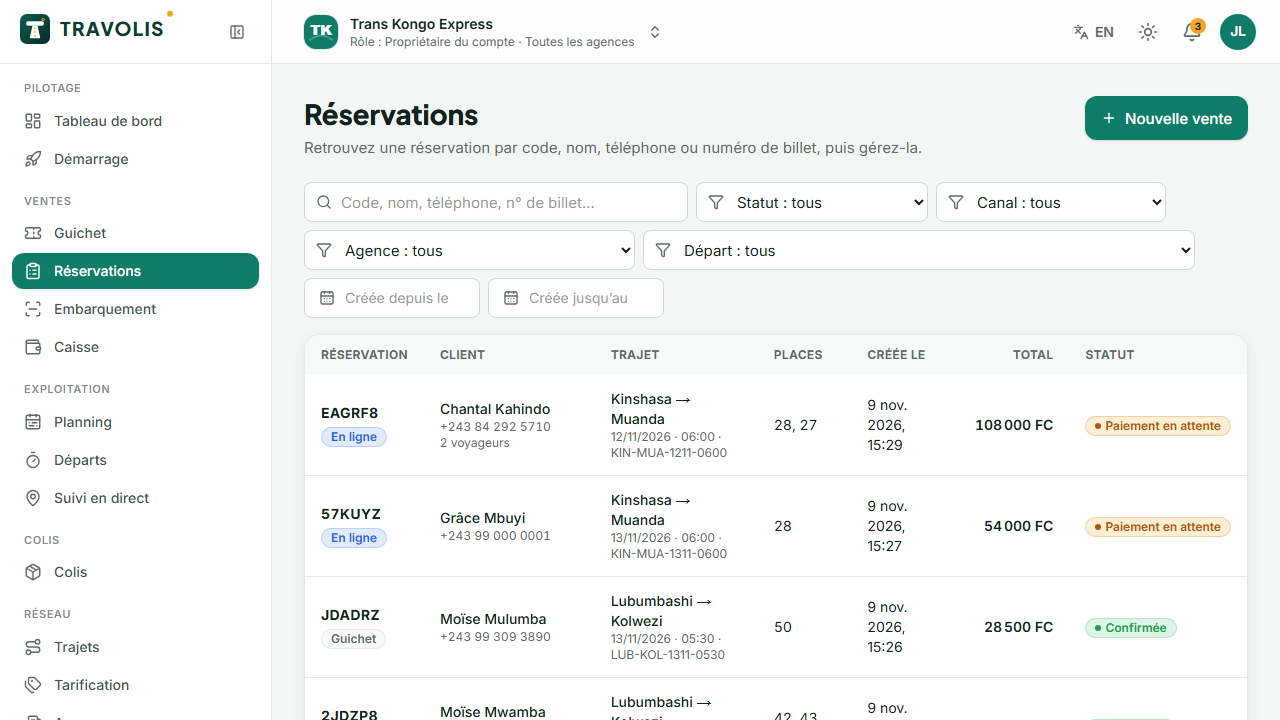
Bookings: search by booking code, phone number, name or ticket number. Filter by status, channel (online or counter) or date.
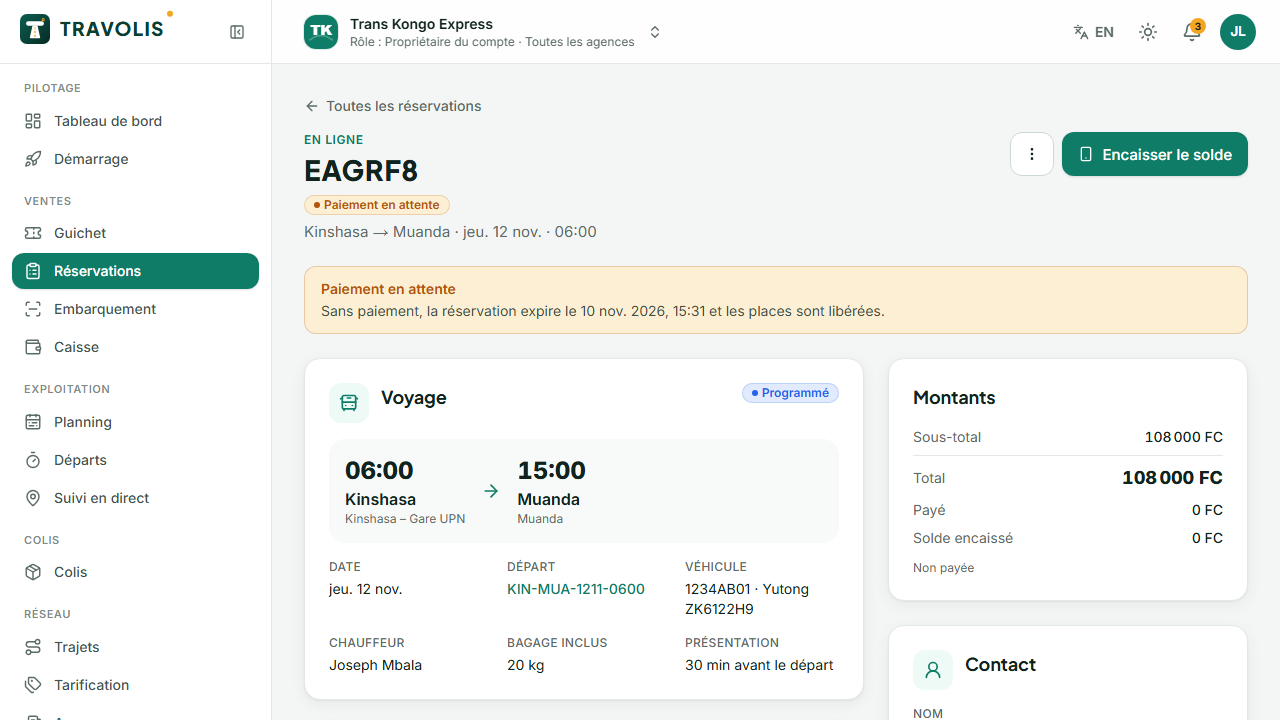
In a booking record:
- Reprint the ticket (thermal or A4);
- Collect payment for a booking awaiting payment;
- Change seat on the map;
- Change date: pick another departure on the same route, collect the difference or issue a credit;
- Cancel all or some tickets: choose a refund in cash (cash out), automatic (online payer) or as a credit. The preview applies the cancellation policy.
Waiting list
On a full departure, the traveller can join the waiting list. As soon as a seat frees up, they are told by SMS.